Bloom
Glow & Bloom
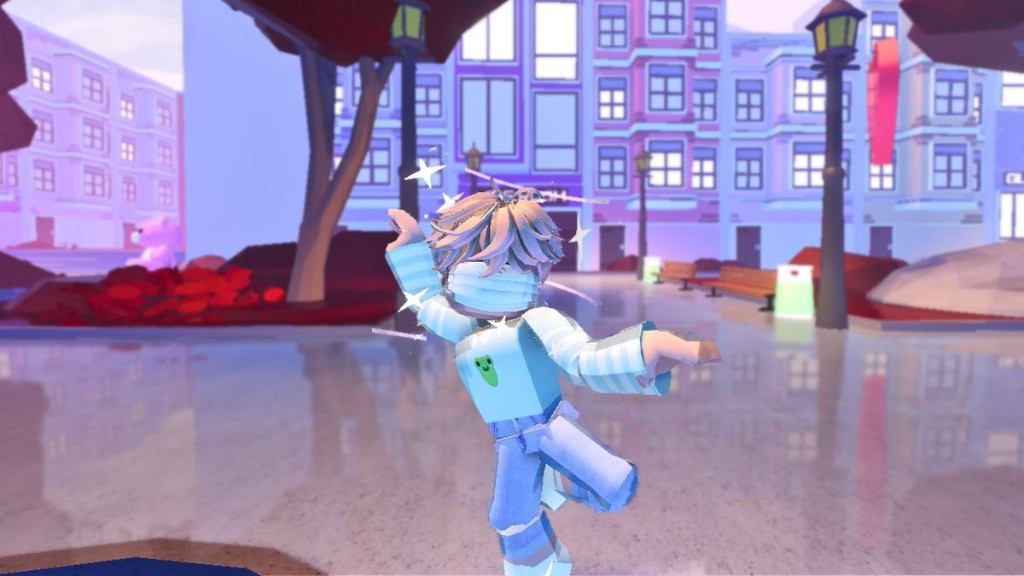
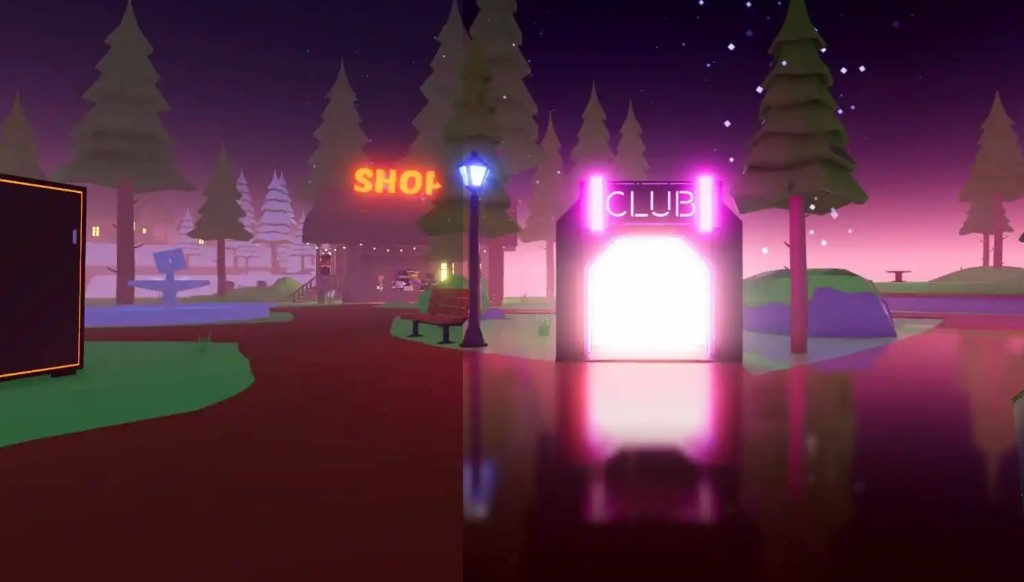
Neon signs, sunsets and explosions bleed light into the scene.
 Robloom
Bloom · Fog · Shadows · Depth of Field.
Install once, works in every game.
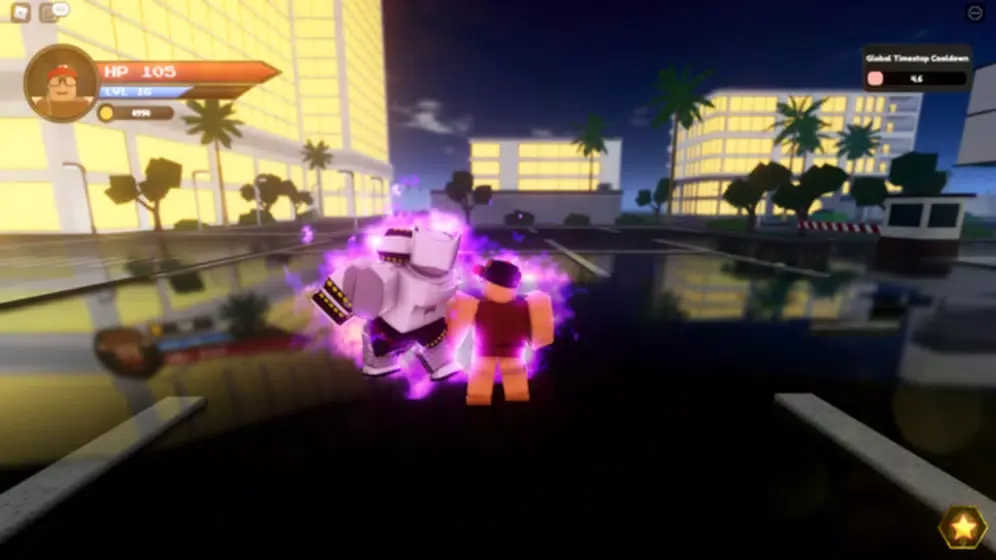
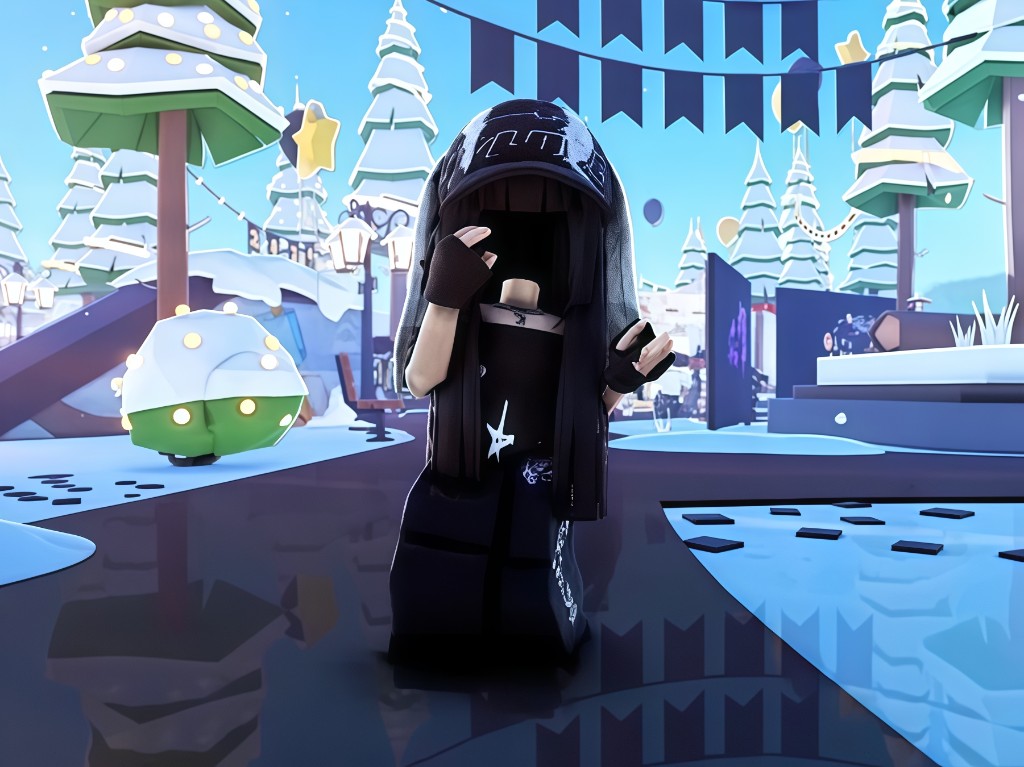
Four cinematic effects — toggle any of them in the extension popup.
Neon signs, sunsets and explosions bleed light into the scene.
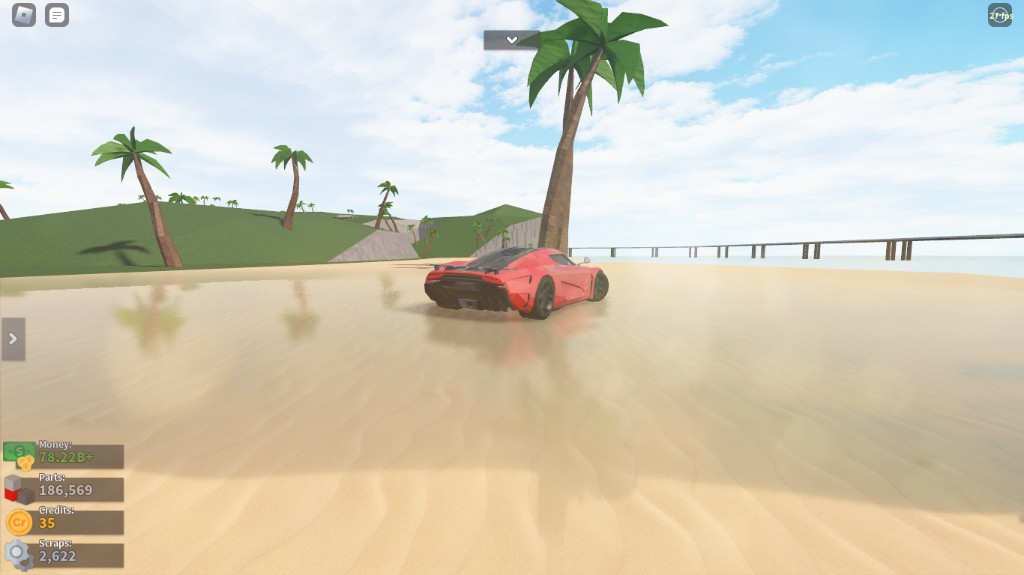
Atmospheric haze wraps distant geometry in cinematic mist.
Soft ambient occlusion adds depth and realism to every corner.
Background blur — the same lens effect used in film.
Drag the handle to compare Roblox with and without Robloom.
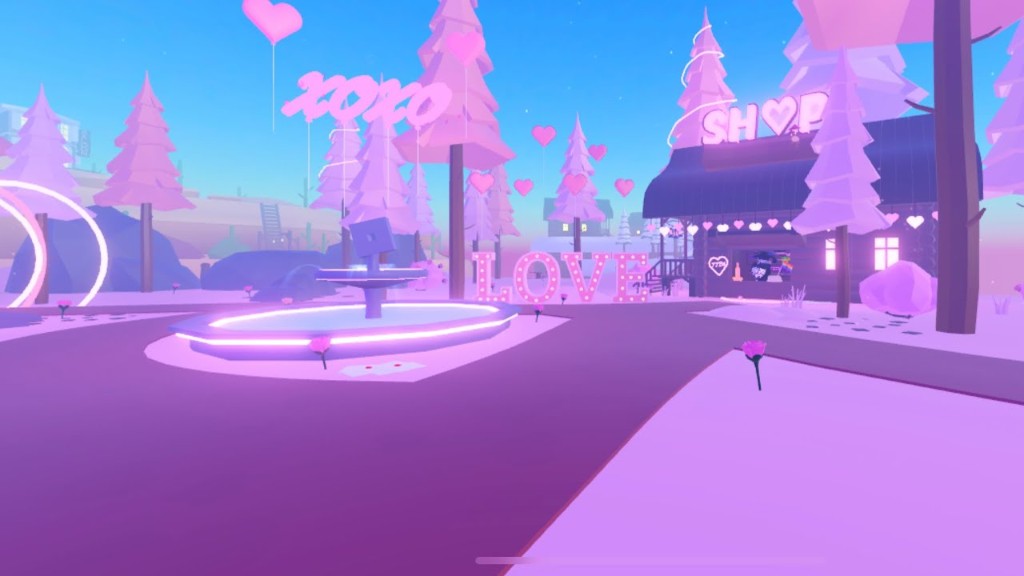
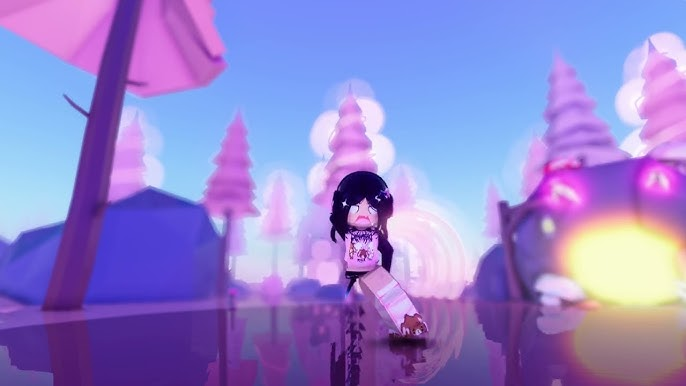
In-game screenshots. Click to view full size.
City bloom
Neon night
Winter scene
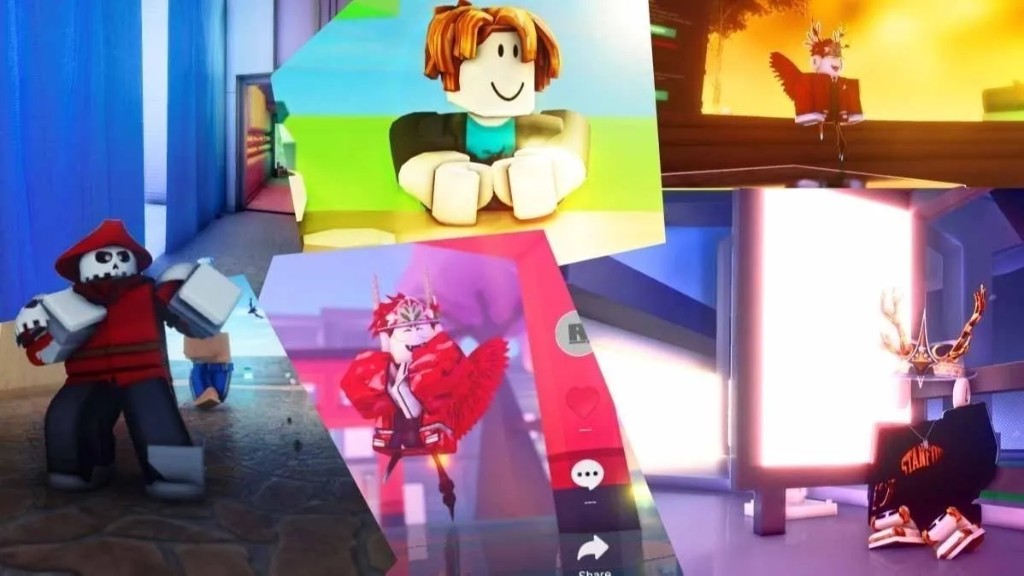
Combat bloom
Cinematic lighting
Open world
Over 10,000 installs across Chrome, Edge and Firefox.
"bro I literally started making clips again. the bloom on the lights in TTD3 is insane, never thought roblox could look this good ngl"
"my friends kept asking what settings i use lol. just Robloom, that's it."
"the fog during slow songs in TTD3 gives me chills every time."
"shadows and depth of field make everything cinematic."
"took me 2 minutes to set up and now i can't play without it."
"stage lights in TTD3 with bloom on look like a real concert."
Takes about two minutes on Chrome, Edge or Firefox.
Grab the package and extract to any folder on your PC.
Open chrome://extensions and turn on Developer Mode.
Select the extracted Robloom folder in your browser.
Pin Robloom, open Roblox, click the icon, toggle shaders on.
Robloom adds cinematic post-processing to the Roblox web player: volumetric fog, bloom, depth of field, ambient shadows and colour grading.
Chrome, Edge, and Firefox. Chromium browsers (Brave, Opera GX, Vivaldi) should work too.
Robloom only affects how the game looks on your screen. It does not modify game files or interact with gameplay.
Shaders run on your GPU. On modern hardware impact is minimal. Disable individual passes in the popup to tune performance.
Download the latest ZIP, extract to a new folder, refresh the extension in chrome://extensions and point it to the new folder.
Robloom works wherever Roblox runs in a supported desktop browser — Windows, macOS and Linux.